

Logging in
1
Go to the Portal
Go to portal.kyckr.com.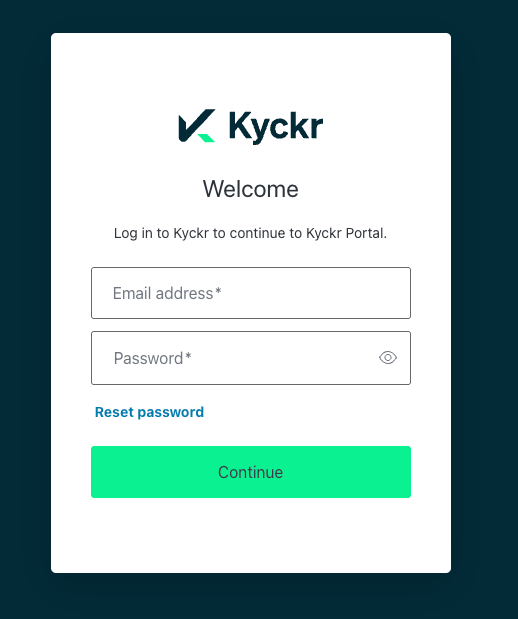
2
Enter your credentials
Enter your email address and password.
3
Log in
Click Continue.
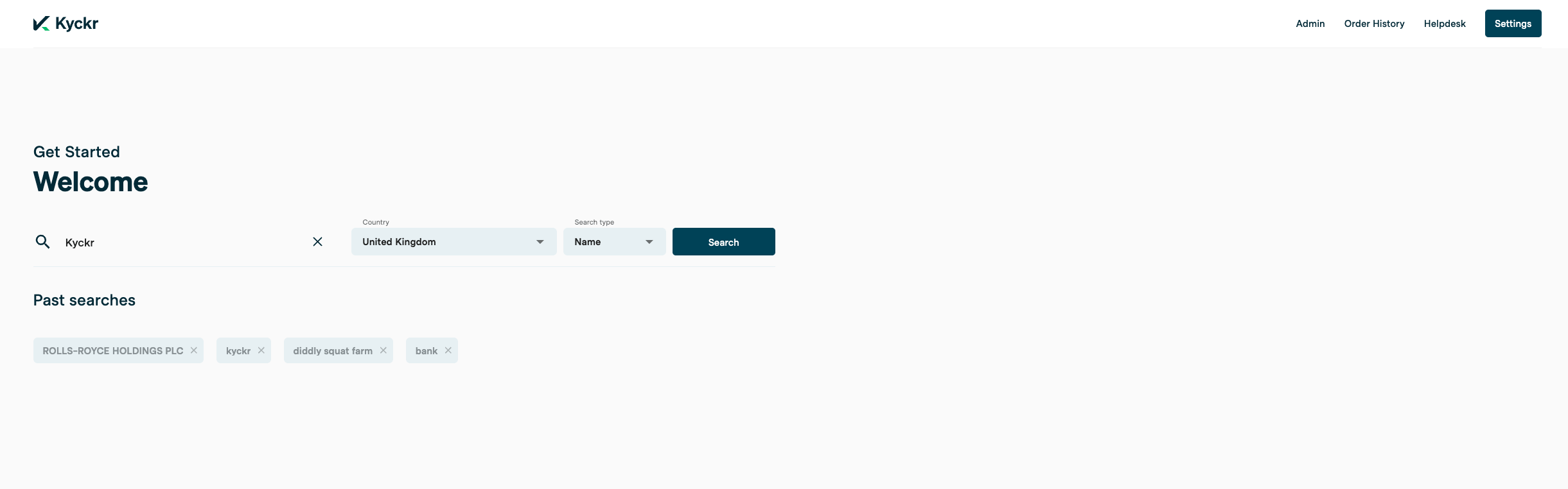
- Start a new company search using the search bar
- Return to a company you’ve already searched, from your list of past searches
- Access the Admin tab, if you’re an administrator
- Access Order History and the Help Desk — available to all users
Search for a company
1
Name or Number
In the search bar, enter either a company name or number.
2
Select a jurisdiction
If you don’t know which jurisdiction the company is based in, use global search instead.
3
Search
Click Search.
4
Review the results
Kyckr retrieves a live list of matching companies from the registry.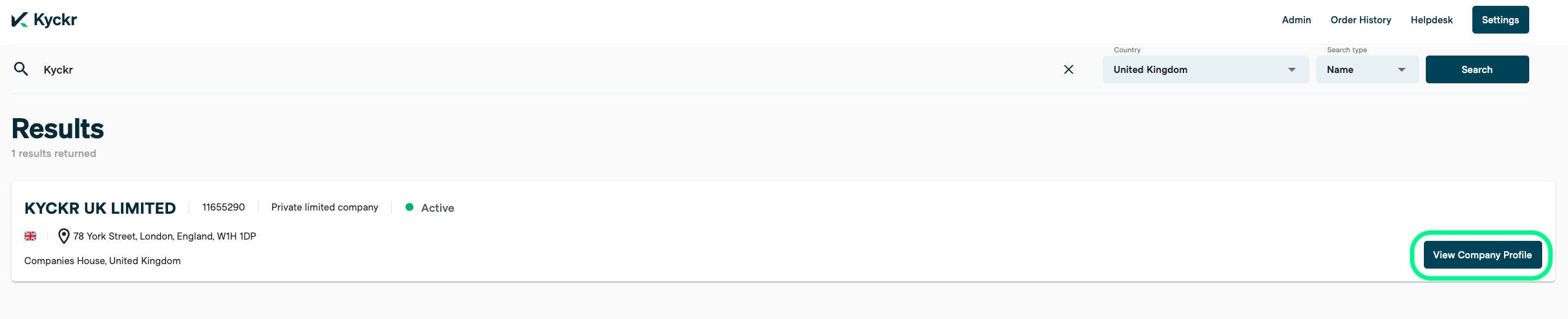
5
Select the company
Click View Company Profile on the correct match.
Retrieve directors and shareholders
The company profile shows a green View on screen box, with the cost of an enhanced profile in credits.Enhanced profiles are only available in jurisdictions where Kyckr offers one.
1
Order an enhanced profile
Click View on screen to order the enhanced profile.
2
Confirm the order
A confirmation box shows the credit cost. Add a customer reference if you need one, then click Yes, continue. You can also opt not to see this confirmation box again.
3
Review the data
Kyckr retrieves the most up-to-date director and shareholder information from the registry. Two new tabs appear on the company profile: Company Officials, showing director information, and Shareholding, showing shareholder information, if available from the registry.
Once retrieved, you can download the enhanced profile as a PDF.
Ownership discovery
Before ordering an ownership discovery report, you can configure:- Maximum credit cost — the maximum number of credits you’re willing to spend on the report
- Maximum layers — the maximum number of ownership layers to pull back in the report
- UBO threshold — the ownership percentage that qualifies someone as a UBO. Choose from 5%, 10%, 15%, 20%, or 25% Click Unwrap to order the report.
Once your report is ready, you can download it as a PDF.
Registry documents
Under the Filings tab you can see a list of all available fillings at the registry, each document will show (where available at the registry):1
Order a document
Click Order in the blue box next to the document.
2
Add a reference (optional)
Add a customer reference if you need one.
3
Confirm
Click Yes, continue.
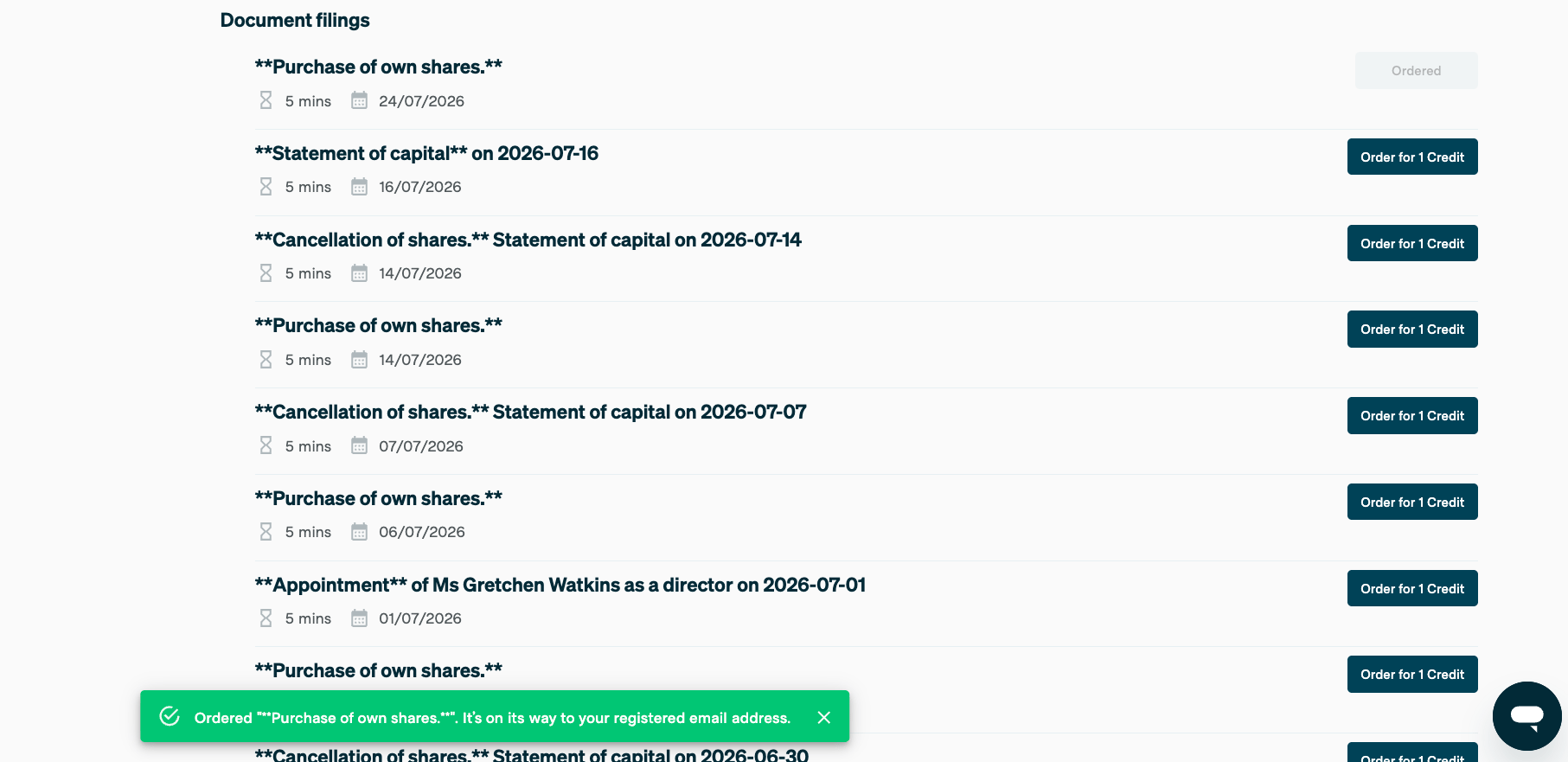
You’ll receive an email once the document is available. You can then view it from Order history.
Order history
Under Order History, view every profile and document you’ve ordered. You can view or download each one as a PDF. Admins can view all orders for all users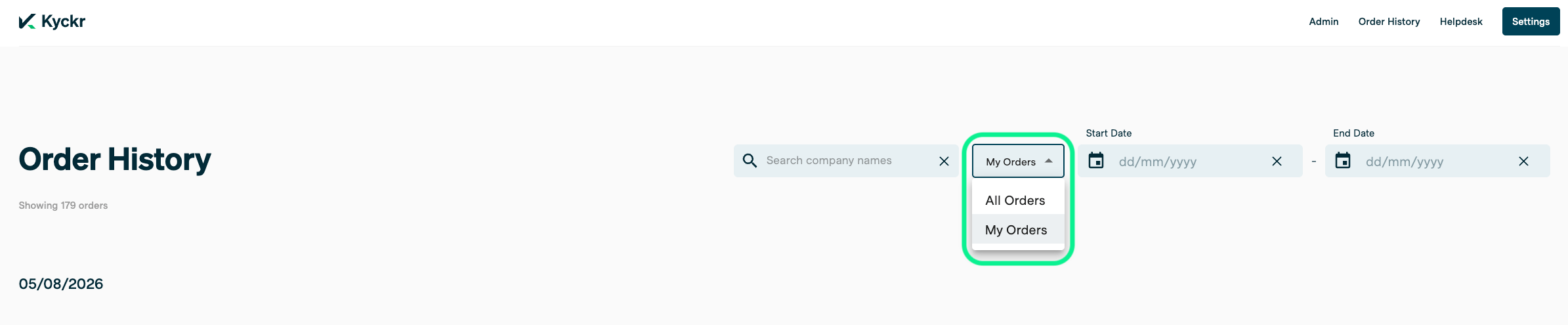
Administrators can toggle between their own orders and all orders placed across their team.
Requesting a password reset
1
Go to the login page
Go to portal.kyckr.com.
2
Click Reset password
Click Reset password, below the password field.